
Heroes' Vow Portrait Mods: Added CGs, Replacements & Load Order
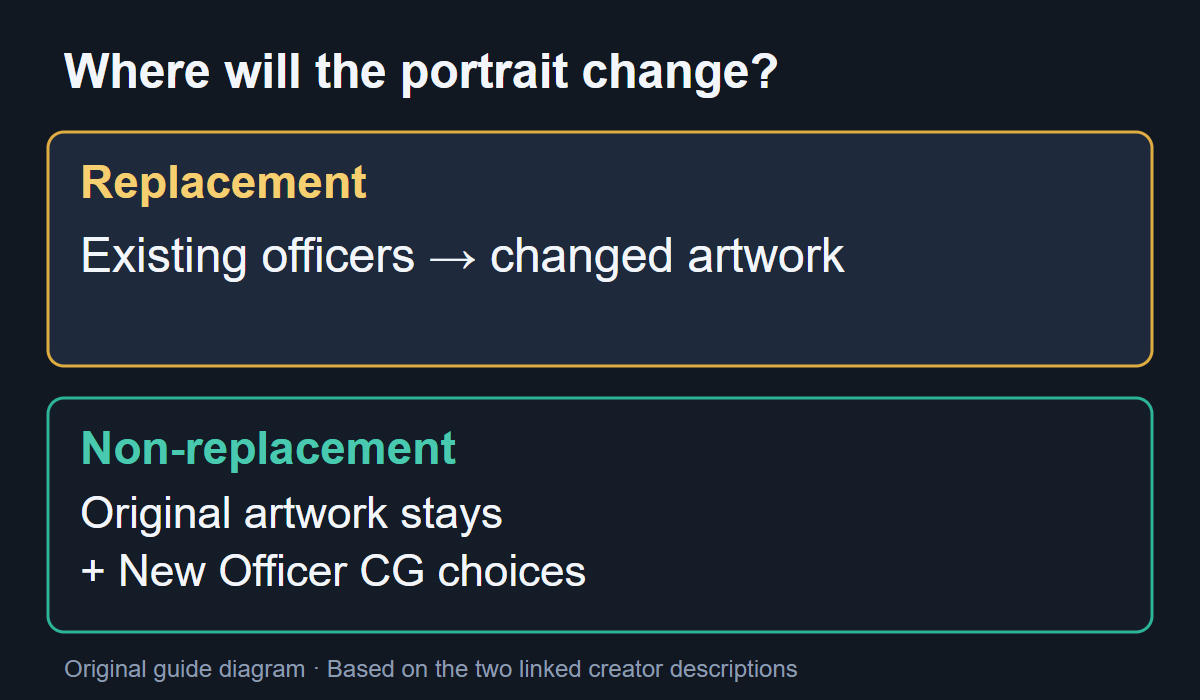
For more artwork to choose when making an officer, look for a non-replacement portrait mod. A replacement mod changes existing officers instead. Two similarly named remasters by dawda illustrate the difference: the female non-replacement edition adds CG choices, while the male remaster replaces only some existing portraits.
Checked October 8, 2026 against the creators' Workshop descriptions. The examples below explain their documented behaviour; they are not a ranking of the best mods or a claim that every combination works.
Choose by the result you want
| Your goal | Example and author | Where the change appears |
|---|---|---|
| Keep original portraits and gain more choices for new officers | Female Portraits Remaster with Non-Replacement (external site) — dawda | New CGs are added to the New Officer artwork choices. Existing portraits are preserved, according to the creator. |
| Change artwork for some existing male officers | Male Character Illustration Remaster (external site) — dawda | Replaces portraits for some major male characters. It does not replace every male officer or add the same non-replacement choices as the female edition. |
The names above are the English titles shown in the Workshop list. Chinese descriptions may use 女性角色立绘高清重制(原版非替换) and 男性角色立绘高清重制. Check the item and creator, rather than treating “Remaster” as a guarantee of either behaviour.
An added CG does not automatically change an existing officer
- Open the specific Workshop item above and read its current description. The female example is explicitly the non-replacement edition.
- Use that item's Subscribe control in Steam, then enable the downloaded item in the game's mod-loading screen.
- For that edition, look among the New Officer CG choices and select the added artwork you want. The creator describes these as extra choices; retaining the old portraits is the intended result.
If an existing officer still has the original portrait, first check whether you enabled an additive edition. That observation alone does not show that the download failed.
When another portrait mod takes priority
In the male remaster's October 6 comments, JaceX reported that only “Reworked” appeared when both it and “Remaster” were enabled. Dawda advised moving Remaster above Reworked, describing the upper position as the higher priority. JaceX then reported success.
For that same pair and symptom, check their relative positions in the mod-loading list. This is a creator-supported fix with one player's confirmation, not a universal ordering rule for every mod. If your item or conflict is different, consult its own author instructions before copying the order.
The female item's comments also include invisible-CG reports and suggestions about priority. Those reports do not establish one guaranteed fix for every missing portrait. Identify the exact item, other portrait or model mods, and whether the problem is an unchanged original portrait or a blank CG before asking the creator for help.
Give the creator enough detail to distinguish the failure
- The exact Workshop item name and ID.
- Your installed game build and which edition of the mod you enabled.
- The other portrait/model mods and their order.
- Whether the new CG choice is absent, visible but blank, or simply not selected.
Keep an unchanged save before comparing mod setups. A portrait description does not establish save compatibility for every other mod, and this page provides no save-deletion or file-overwrite procedure.
These examples concern artwork. They do not provide recruitment, marriage or character-build bonuses. For official English support and the full-release changes, use the 1.0 changes guide. Chinese mod text is a separate problem from whether the base game supports English.